

Interview
This feature is currently disabled
This page shows how an interviewee can join us on air to be a remote Guest on a show.
On your computer, tablet or smartphone go to the following address
https://callme.fm/hhr The link is here
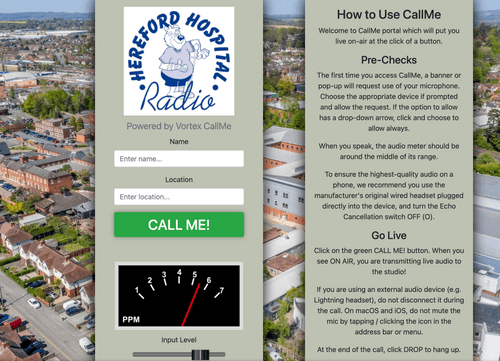
Please type in your name and your location and when your advised to press the green 'Call me'
Your browser may ask if you wish to use your microphone - please agree to this.
The screen will now change to this :
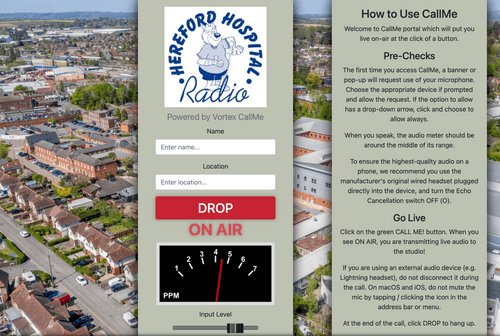
Our presenter will now guide you on air
Once the intervew has concluded please press on the Red Drop button.